
Club chess,
in one app
Your club on the map, your scoresheet turned into a game, Stockfish in your pocket — and the fixtures before you forget them.
For Android 8 and newer · free · no ads, no tracking
iPhone, or no phone at hand? The club in your browser →
A look inside
Eight screens from the app — swipe for more.
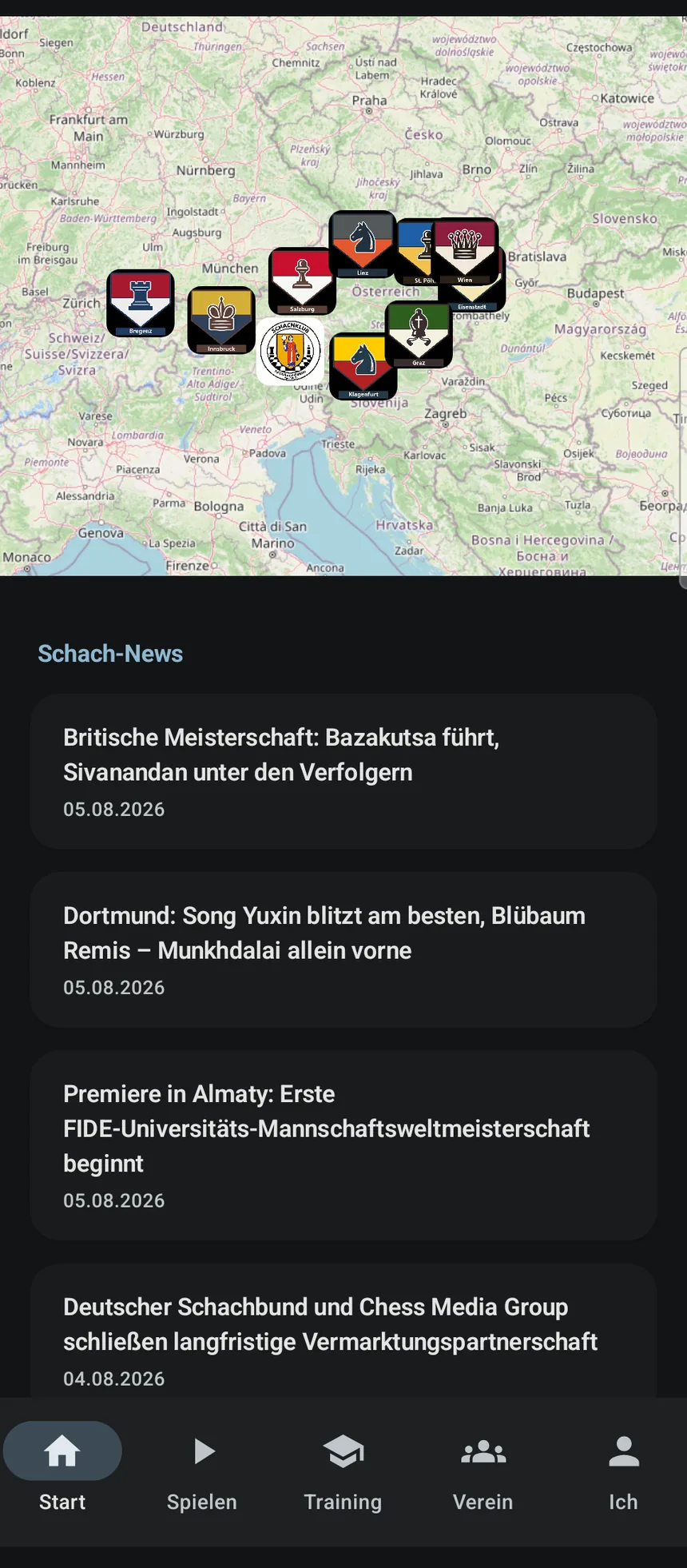
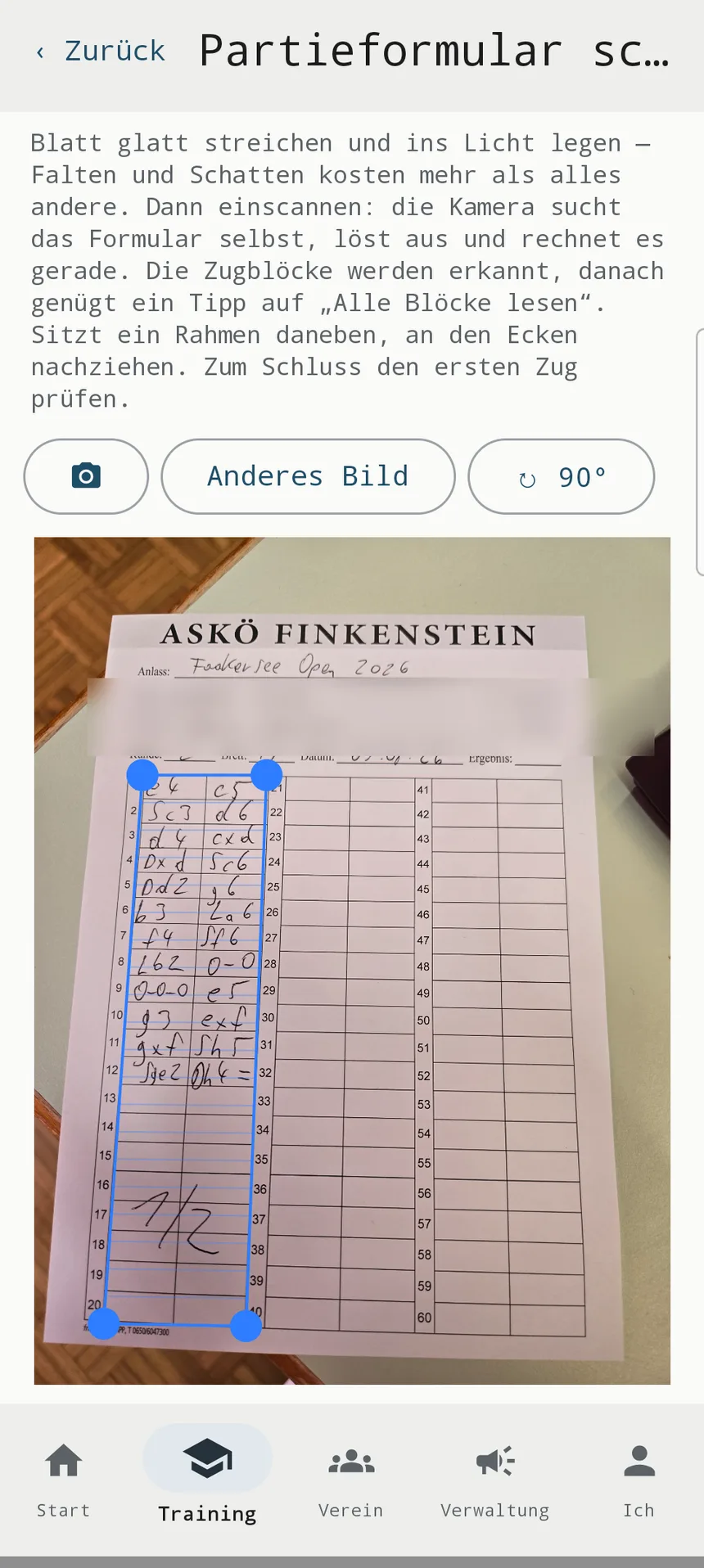
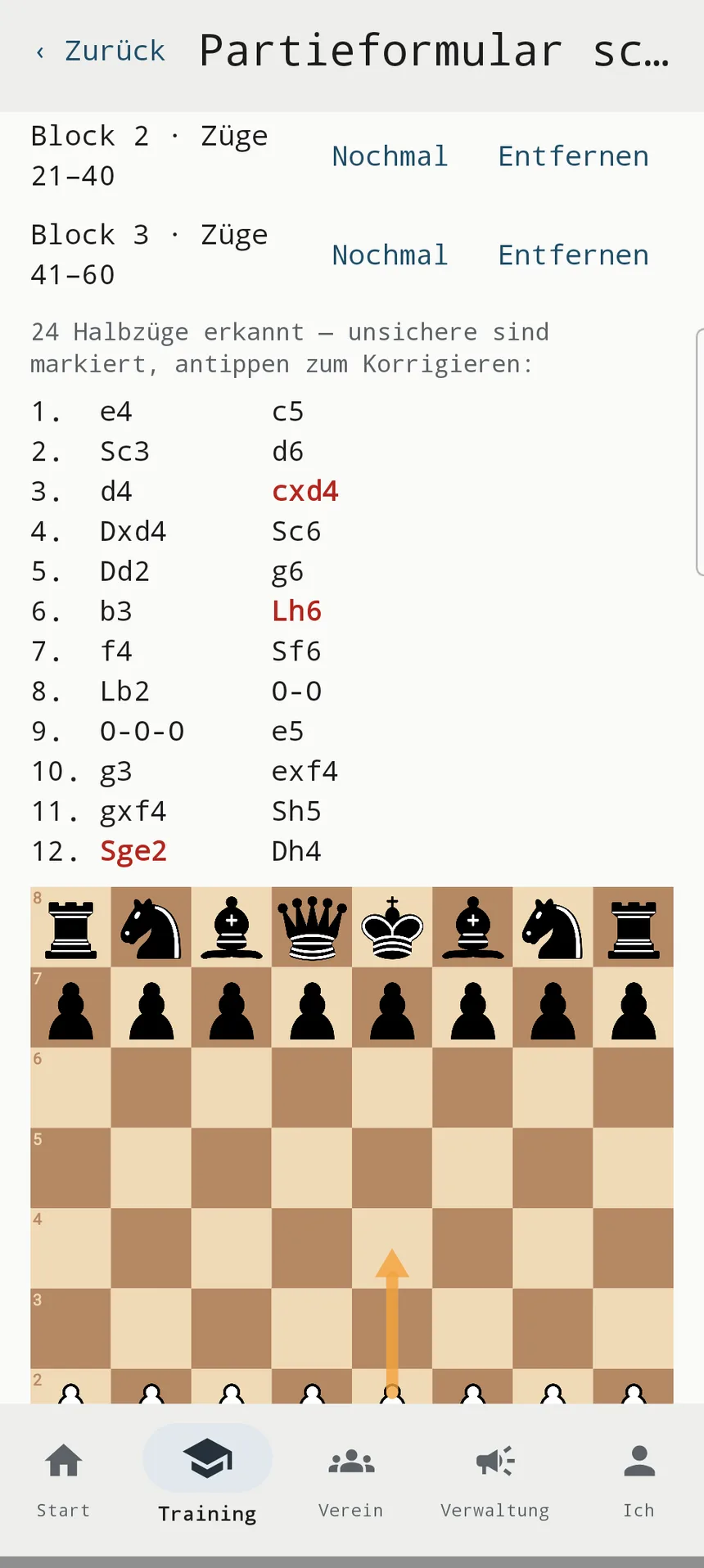
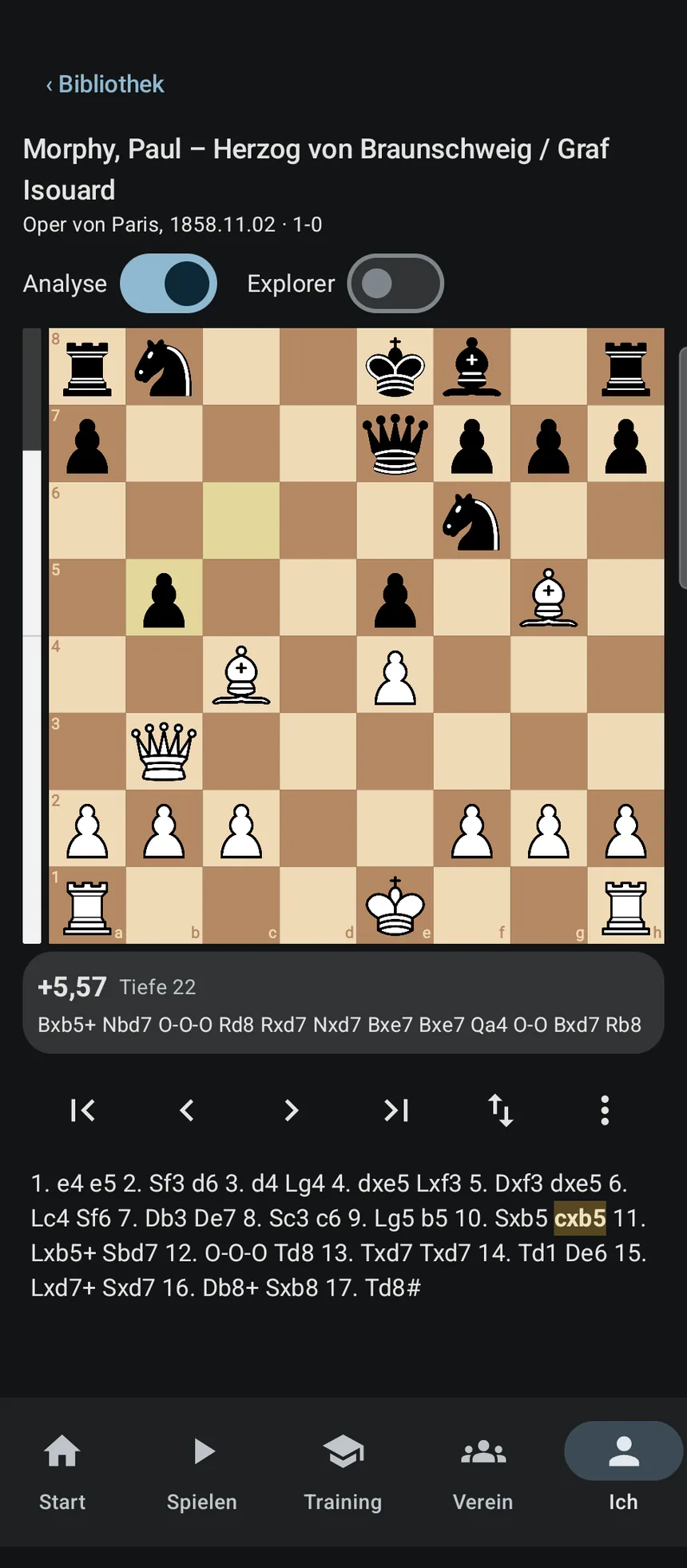
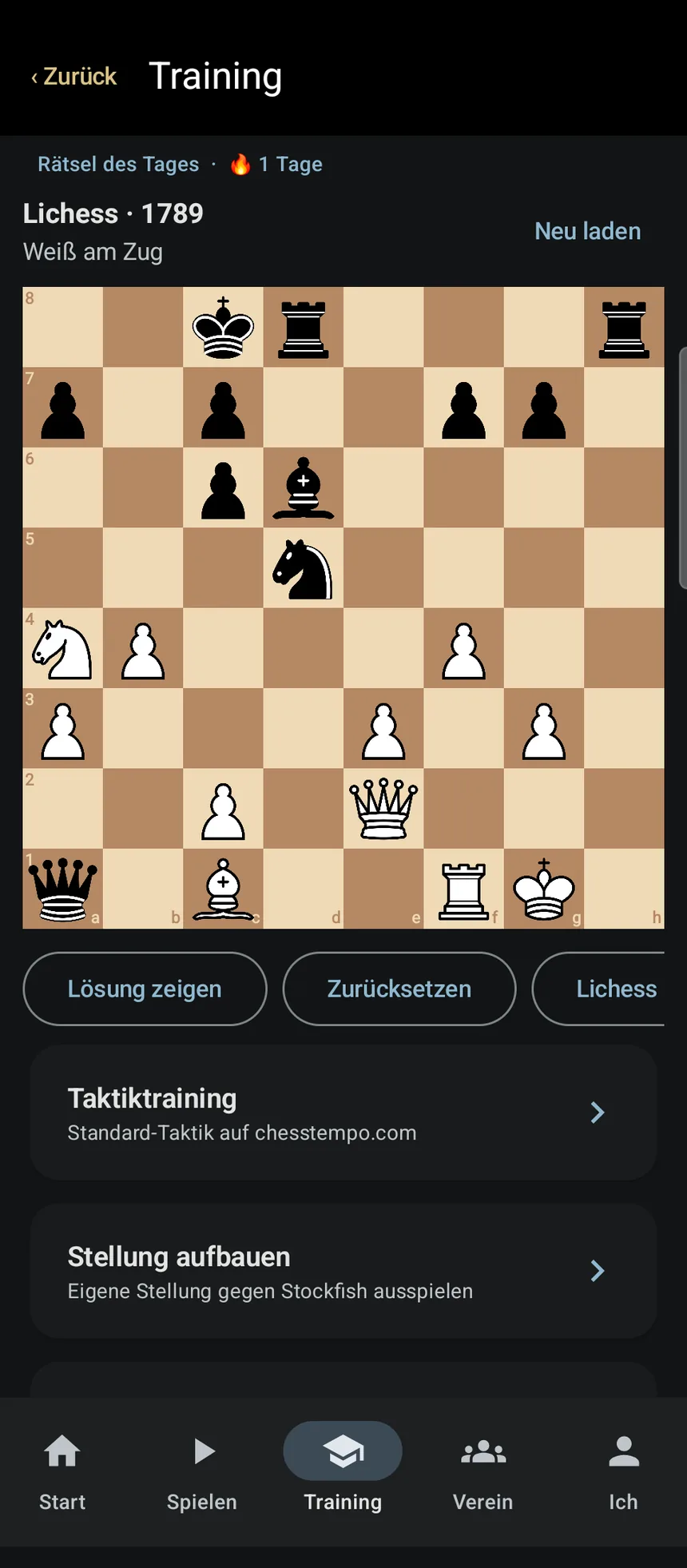
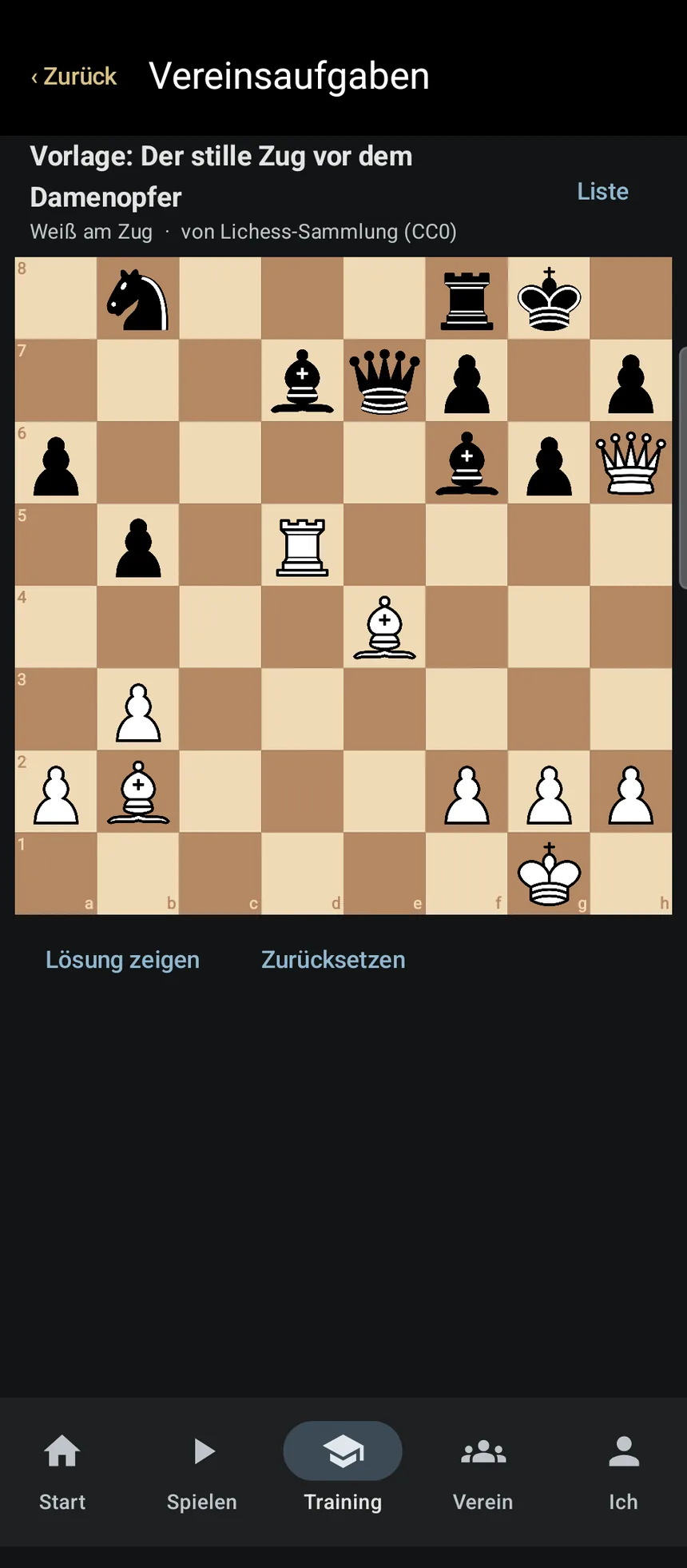
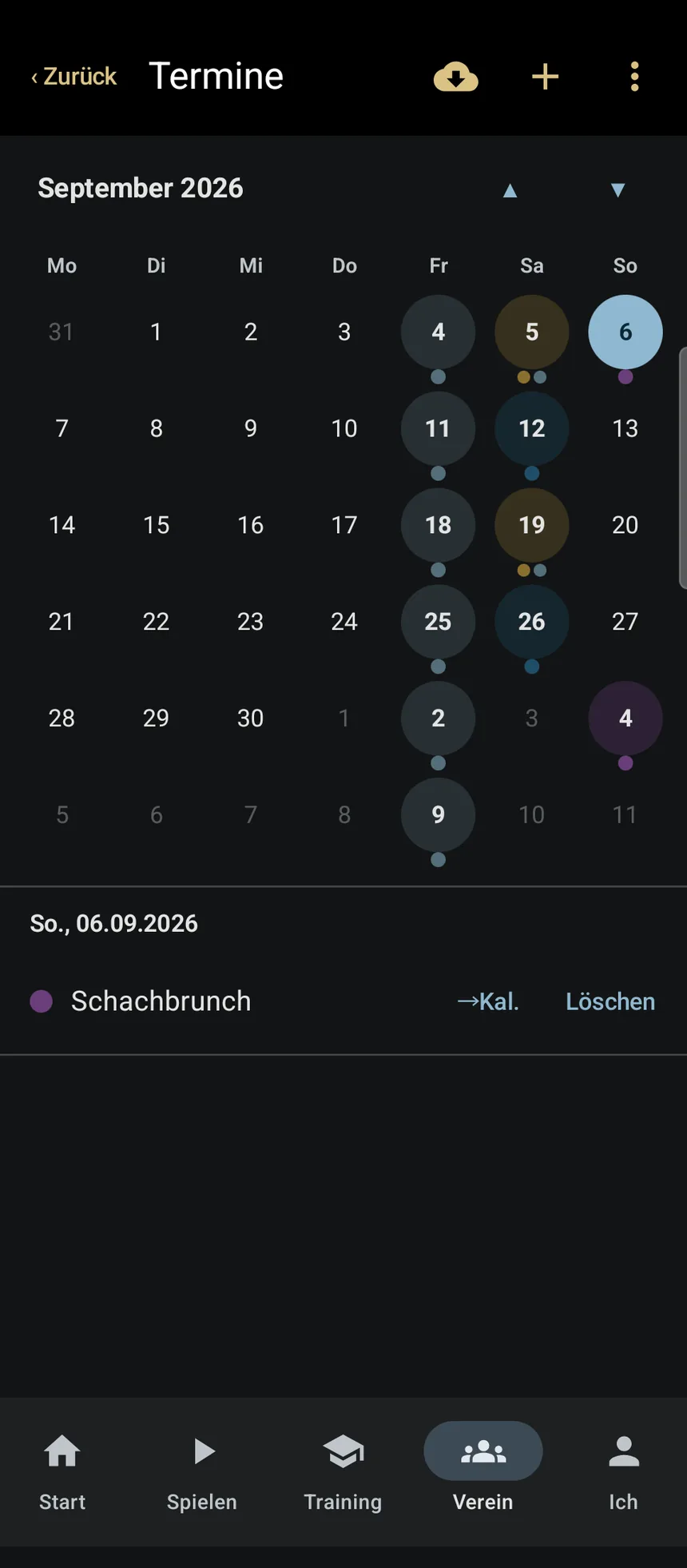
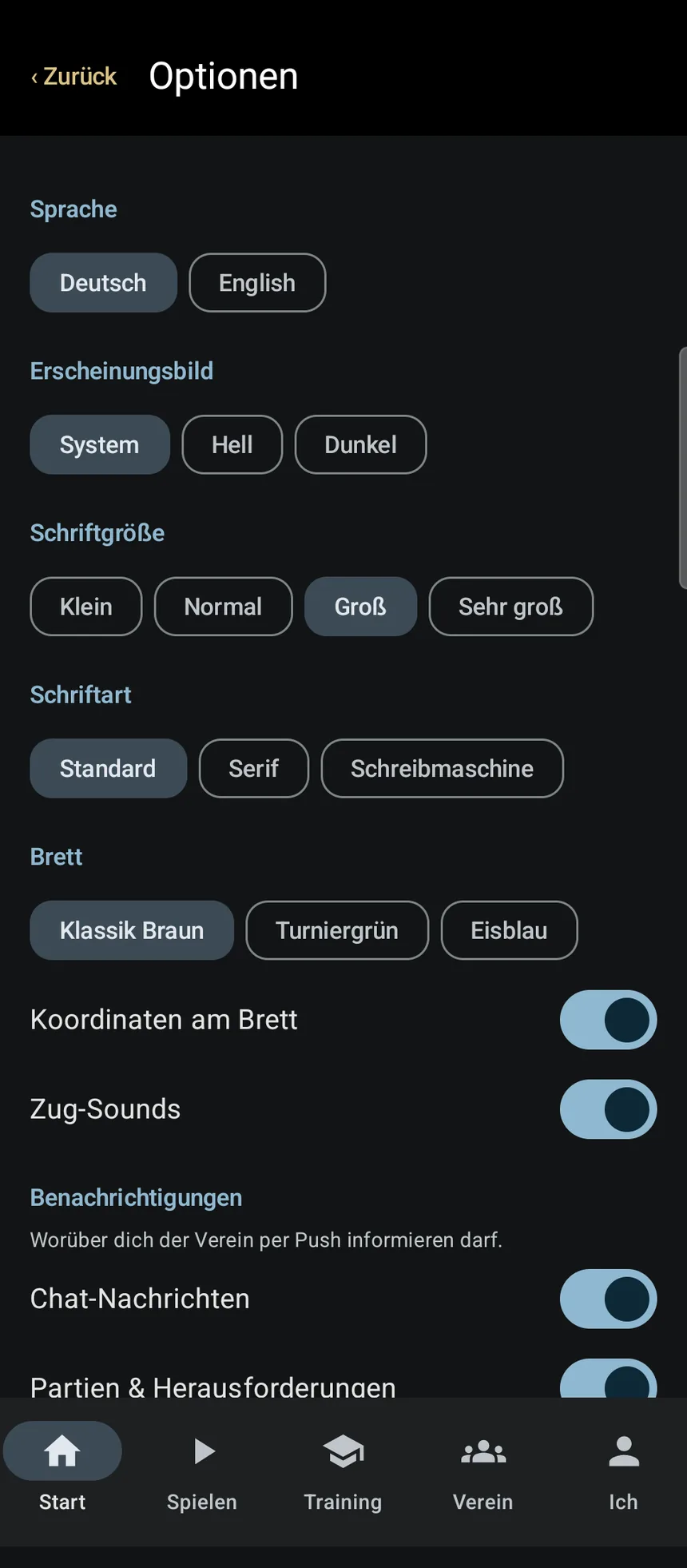
The screenshots show the German interface; the app is available in English as well.
What the app does
Built for everyday club life: from joining, through training, to the squad list for the team captain — and for the game afterwards.
♞Your club on the map
On first launch you see the club map of Austria — find your club and join it: by request, by join code, or as a guest in a second club. Not listed? Found your own in two minutes, with a crest. Plus a member list, who is online right now, and a club chat with its own rooms, pictures and positions.
♜Photograph the scoresheet
Take a photo of your handwritten scoresheet — the app finds the move blocks, reads the moves and turns them into a game. Uncertain moves are marked and fixed with one tap. Recognition runs entirely on your device; no picture leaves the phone. Diagrams from books become a position on the board, too.
♝Analysis with Stockfish
Stockfish 18 is built in and runs on the device without internet. Evaluation bar and main line live while you step through the game. The game review finds inaccuracies, mistakes and blunders and writes them into the notation. Plus the Lichess opening database.
♛Your games
Import and export PGN, your whole collection in one library, sortable by date, opponent, colour or result. Full editor with variations, comments and symbols like !? and ??. Games from Lichess are fetched automatically. German notation (Sf3, Lg7) or English — your choice.
♚Endgame database
123 verified lessons in eight categories, from pawn endings to Lucena and Philidor, with tappable variations and colour-marked key squares — every line checked against the tablebase. Plus ten mating patterns. Tick off what you have learned. See all lessons with solutions
♟Training
Daily puzzle with a streak. Club puzzles set by the management and solved by the whole club. “Best move?” tests you on positions from your own highlights. And a repertoire trainer for your openings with spaced repetition.
♖Play
Against Stockfish from beginner to grandmaster, with clocks and premoves. Against club mates who are online — the server keeps the clock, no arguing about the flag. Bughouse with four players on two linked boards. Finished games land in your library and in the club standings by themselves.
♘Tournament tracker with rating preview
Every running tournament with someone from your club — straight from chess-results.com. Tap a name to see each round and the rating change it produces, calculated the way the federation does, national and FIDE. Your own numbers stay current via your FIDE ID.
♗Chess clock
Put the phone between the players; after moving, tap your own half — the top one is upside down. From one-minute blitz to the tournament control 90m + 30m + 30s/move; build your own with stages, Fischer, Bronstein or delay, and different times for White and Black if you like.
♕For club management
Check the squad lists of a whole league and print them with the fixture calendar as PDF. Maintain fixtures, links and crest once — every member has them instantly. Tournament dates come colour-coded by league from chess-results. Roles with custom names, join requests with one tap, and a QR code with your crest for flyers and notice boards.
♙On the home screen
Club news and chess news, your next fixture, a reminder before it starts, and a tap back into the board when a game is running. Fixtures go into your phone's calendar.
♔And more
German and English, switchable without restart. Light and dark theme, three board colours, free font size. Statistics on your games. No ads, no tracking, no profiling of your behaviour.
Your club in three steps
Member or chairperson — this is how a whole club gets into the app.
-
1
Install, sign in with Google
Only the club area needs an account. Everything else already works before that, without signing in.
-
2
Tap your club on the map
Join by request or by join code. If your club is only listed as an entry, take it over with one tap — or found it anew, with crest and town.
-
3
Invite your club mates
Pass on the join code or pin up the QR code with your crest. Fetch the fixtures from chess-results — from then on everyone has them in their pocket.
The app in one minute
No YouTube, no third-party embeds — the video is hosted on this server. Spoken in German.
The club in your browser
For everyone without an Android phone: members, chat, fixtures, standings, club map and the scoresheet scanner also run in the browser — on iPhone, tablet or PC.
You sign in with the same Google account as in the app. Whoever is in the club there is in the club here — there is no second account and no second member list.
On iPhone: open the page in Safari, tap the share icon and choose “Add to Home Screen”. The club then starts like an app, without the browser bar. On Android, Chrome offers this by itself.
Not in a club yet? The club map shows who is where — no sign-in needed. Once signed in you search for your club, ask to join or enter a join code.
Board, analysis and training remain in the Android app — they run on the device and need no server. The browser pages are in German.
Partieformular – the scanner as an app of its own
Just the scanner, without the club: “Partieformular” reads handwritten scoresheets and shows the game on the board — entirely on the device, no account, no permissions.
Scan, check, keep, and share as PGN or open in Lichess and Chess.com — all free, no subscription, no ads.
The same scanner as in C&C Chess Club, for everyone who does not need the club part. The app is being prepared for Google Play.
at.amon.partieformular
Frequently asked questions
Short answers — the details are in the privacy policy.
What does the app cost?
Nothing. No ads, no in-app purchases, no subscription. It is the club app of SV Nußdorf-Debant and open to every club.
Do I need an account?
No. Games, analysis, training, puzzles, endgames, chess clock and scanner work without signing in and stay on your device. Only the club area — members, chat, fixtures, games against each other — needs a Google sign-in.
Is there an iPhone version?
Not in the App Store. The club area including the scoresheet scanner and the club map runs in the browser, on iPhone too — same account, same member list. Board, analysis and training are in the Android app.
Which Android version do I need?
Android 8.0 or newer. Stockfish runs on the device; on older phones an analysis takes longer, but it works.
My club is not listed — what now?
Many Austrian clubs are already on the map as an entry: tap and take over. If yours is missing, found it in the app in two minutes — name, town, crest — and pass the join code or the QR code on to your club mates.
How well does the scanner read my handwriting?
The straighter the photo and the cleaner the writing, the better. Whatever the app cannot read with confidence it marks; you check on the board and tap the right move. In the app the photo stays on the device. In the browser it is sent to the server for reading and not stored afterwards.
Does the app work offline?
Yes — board, analysis, library, training, endgames, scanner and chess clock need no internet. Only the club area, the Lichess database, chess news and chess-results fetch data from the net.
What data is stored?
Without an account: none on the server. With an account: name, e-mail and profile picture from Google, your club membership, chat messages and games against club mates — on a server in the EU, without advertising analytics. Everything else is in the privacy policy; you can delete your account in the app at any time.
With or without an account
Games, analysis, training, puzzles, scanner and statistics work fully without signing in and stay on your device. There are no ads, no tracking and no profiling of your behaviour.
Only for the club area — member list, shared fixtures, chat and games against club mates — do you sign in with Google, in the app or in the browser. What is stored is described in the privacy policy; you can delete your account in the app at any time.